Do You Render with Revit? Try These Alternatives — Updated for 2022
There is no doubt that Revit has revolutionized architecture and engineering firms. Those who use it extensively quickly become accustomed to the convenience that BIM provides. One of its most immediate advantages is visual: it transforms the traditional two-dimensional workflow into a three-dimensional environment where you can watch your project develop while obtaining a huge amount of information for estimating, planning and analyzing the model.
Autodesk made a good decision by including a ray-tracing rendering engine in Revit, allowing us to produce highly accurate visualizations. However, achieving photorealistic results in certain circumstances can be very time-consuming or simply impossible. Revit is designed to provide a rendering engine that is accessible to the average user, but once you start taking rendering seriously, you will often have to deal with tasks such as mapping materials (in simple terms, placing a 2D JPG image onto a 3D surface), adapting lighting fixtures that are designed more for MEP workflows than architectural visualization, working with a relatively limited daylight system, or trying to use highly detailed 3D objects efficiently without relying on RPCs, which can overload the project and make it difficult to navigate smoothly through the viewport. In addition, if the scene is large or complex, rendering times can become extremely long.
That does not mean good results cannot be achieved with Revit’s default rendering engine. Under the right circumstances, it can produce very good results. However, if you consistently want the best possible results, it is better to use Revit primarily for BIM and look for another rendering solution. So, what are the alternatives?
V-Ray for Revit
After an extensive beta phase, the team at Chaos Group released the commercial version of V-Ray for Revit, significantly improving both rendering quality and rendering times compared with the default engines. It also allows us to use standard V-Ray materials, giving access to a free library of thousands of high-quality materials, as well as a much more realistic lighting system, particularly when using HDRIs. V-Ray Fur can also be used to create highly convincing grass.
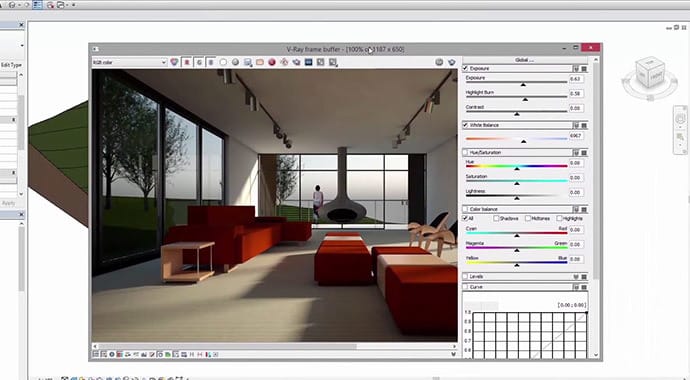
2019 updates
V-Ray supports V-Ray Proxies, which allow us to place objects throughout a project without overloading the model. These objects are only fully loaded into the scene when the render is generated.
SketchUp
SketchUp tends to generate very divided opinions. As a standalone program, it is relatively simple, but when combined with V-Ray it can produce static images that rival those created with any other software on this list. It also benefits from the advantages of V-Ray for Revit, with the additional benefit of being able to edit geometry in a dedicated 3D modeling environment.
One disadvantage is its integration with Revit. For small scenes, assigning materials is not a major problem, but as scenes become more complex, reassigning materials can become excessively time-consuming. Plugins such as Simlab SketchUp Importer for Revit can help simplify this task.
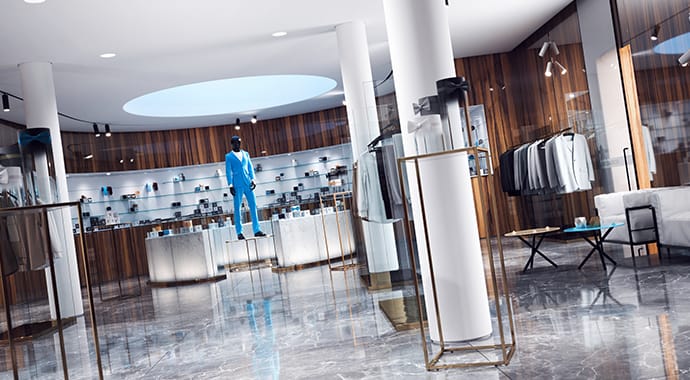
Cinema 4D
Although less widely known in the AEC industry, Cinema 4D (C4D) is an excellent 3D application with a comprehensive set of tools. It includes a capable rendering engine without requiring V-Ray, although V-Ray is also available. It offers excellent material libraries, sculpting and painting tools that compete with applications such as ZBrush, and, above all, a highly accessible user interface that makes its learning curve relatively manageable despite the software’s power. This is one reason why it is widely used by graphic designers and for motion graphics projects.
As with SketchUp, one disadvantage is that plugins may be required to properly organize materials when transferring scenes from Revit. In this case, one option is Revit to Cinema 4D.
3ds Max
Once the undisputed king of 3D architectural visualization, 3ds Max also integrates relatively well with Revit and can import lights, cameras and materials. However, 3ds Max has a steep learning curve, its interface can feel outdated, and the sheer number of available options can be overwhelming for beginners. In addition, some of its most important architectural visualization capabilities depend on third-party plugins and add-ons, which can significantly increase the overall cost.
One of its most established rendering engines was Mental Ray, capable of producing high-quality results. However, many third-party plugins rely on V-Ray. When using V-Ray, it is often recommended—although not mandatory—to replace native 3ds Max materials, lights and cameras with their V-Ray equivalents. V-Ray RT also offers GPU-based rendering rather than relying exclusively on the CPU.
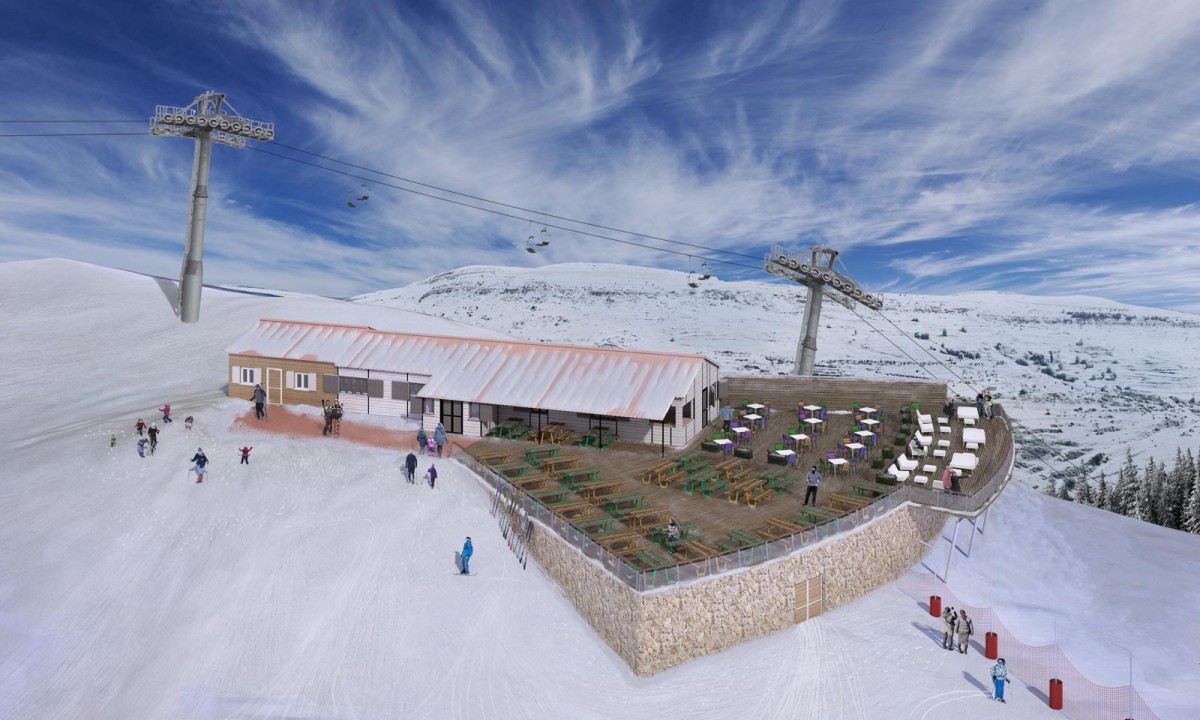
Another major advantage of 3ds Max is its ability to synchronize changes with a Revit model relatively efficiently. This means you can return to Revit to take advantage of its modeling capabilities without necessarily losing the visualization work already carried out in 3ds Max.
2019 updates
Starting with 3ds Max 2018, Autodesk introduced a node-based visual programming feature called Max Creation Graph, which can be considered somewhat equivalent to Dynamo in Revit. In architectural visualization, one potential use is automating the placement of objects in complex scenes.
Lumion
Lumion is well known as a real-time rendering solution and stands out immediately for its simplicity and ease of use. The workflow can be as straightforward as exporting a Revit scene and populating it using Lumion’s object library. However, when examining the results more closely, shadows and reflections may be less precise than those produced by CPU-based ray-tracing engines such as V-Ray. Essentially, we are working with a game-engine-style real-time renderer that, under certain conditions, can produce results very similar to those of a ray-tracing engine.
Lumion particularly stands out when creating animations, as it can render in minutes sequences that traditional ray tracing might take days or even weeks to produce. For many users, its main disadvantage is its hardware requirements, as it requires a powerful graphics card.
Another disadvantage is that, although it performs extremely well for daytime exterior scenes, achieving results comparable to a ray-tracing renderer can be more difficult for interior and nighttime scenes. There are also certain limitations when populating scenes with objects. While basic animations are very easy to create, more advanced sequences can become considerably more complex.
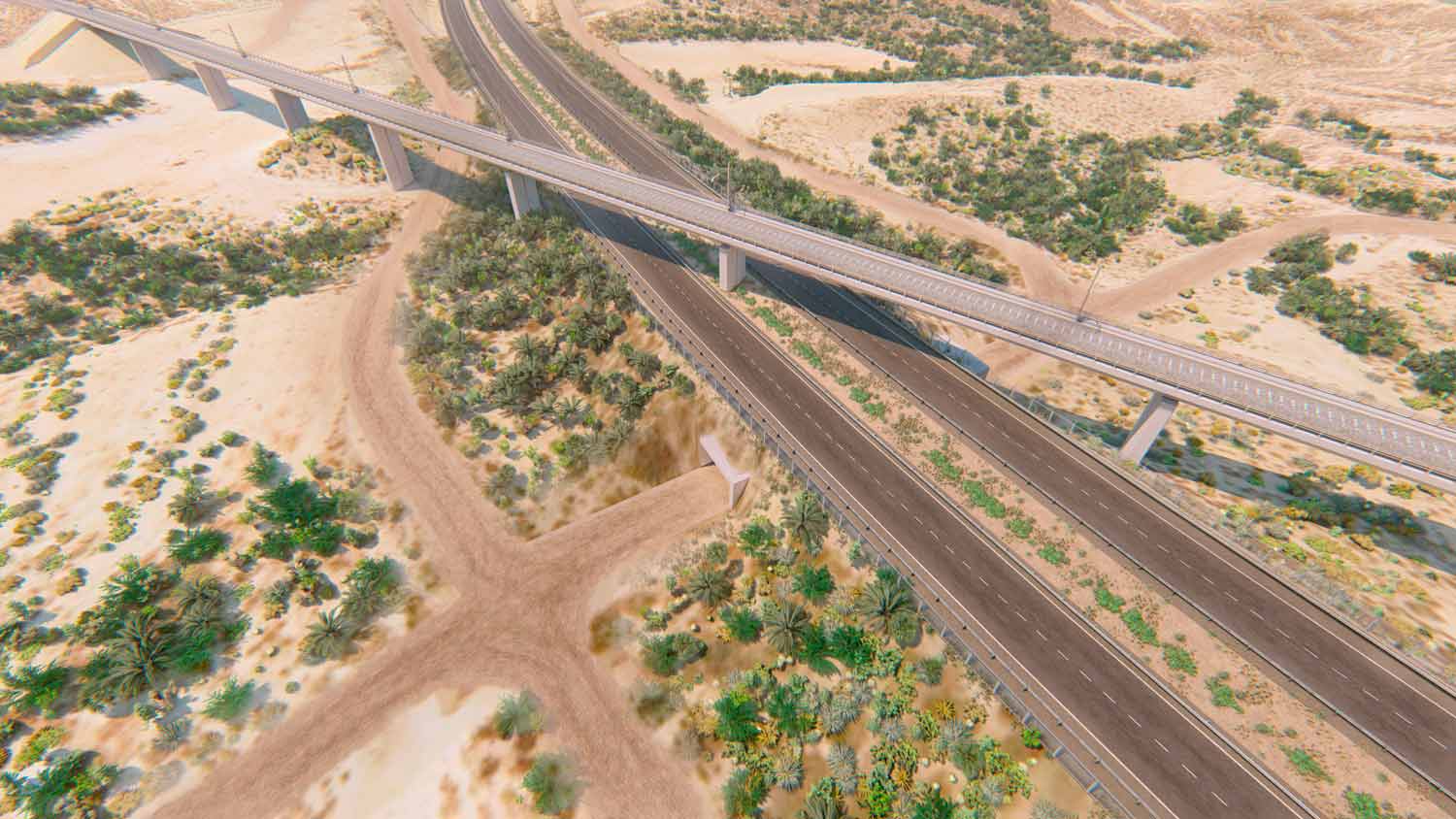
Updates
Since Lumion 7, significant improvements have been made to rendering quality, producing highly convincing images that, under certain conditions, can almost be mistaken for ray-traced renders. For production-quality rendering, Lumion combines real-time rendering techniques with more advanced lighting calculations. It also includes an extensive collection of effects that make it possible to achieve photographic-style results without dealing with the complex configurations required by other rendering methods.
Artlantis
Artlantis follows a similar philosophy to Lumion. It uses GPU rendering, although not in real time, making it somewhat more accessible in terms of hardware requirements. It offers good integration with Revit and includes libraries that make it easy to get started. Like Lumion and Twinmotion, it is a good option for users who need quick results and cannot invest significant time learning more complex software.
Unreal Engine
Developed by Epic Games, the creators of Fortnite, Unreal Engine has become one of the leading platforms in real-time visualization. As many users already know, it is a game engine capable of producing impressive results with the right hardware. In basic or well-optimized scenes, it can also be less demanding than some dedicated visualization solutions. In addition, there are extensive libraries of Unreal assets that can be used to build highly detailed environments.
Unreal Engine can achieve results superior to many other real-time applications. Although traditional offline ray-tracing engines have historically provided greater physical accuracy, Unreal stands out when creating virtual walkthroughs and interactive experiences that can be programmed in great detail. Its licensing model has also made it particularly attractive for architectural visualization and interactive applications.
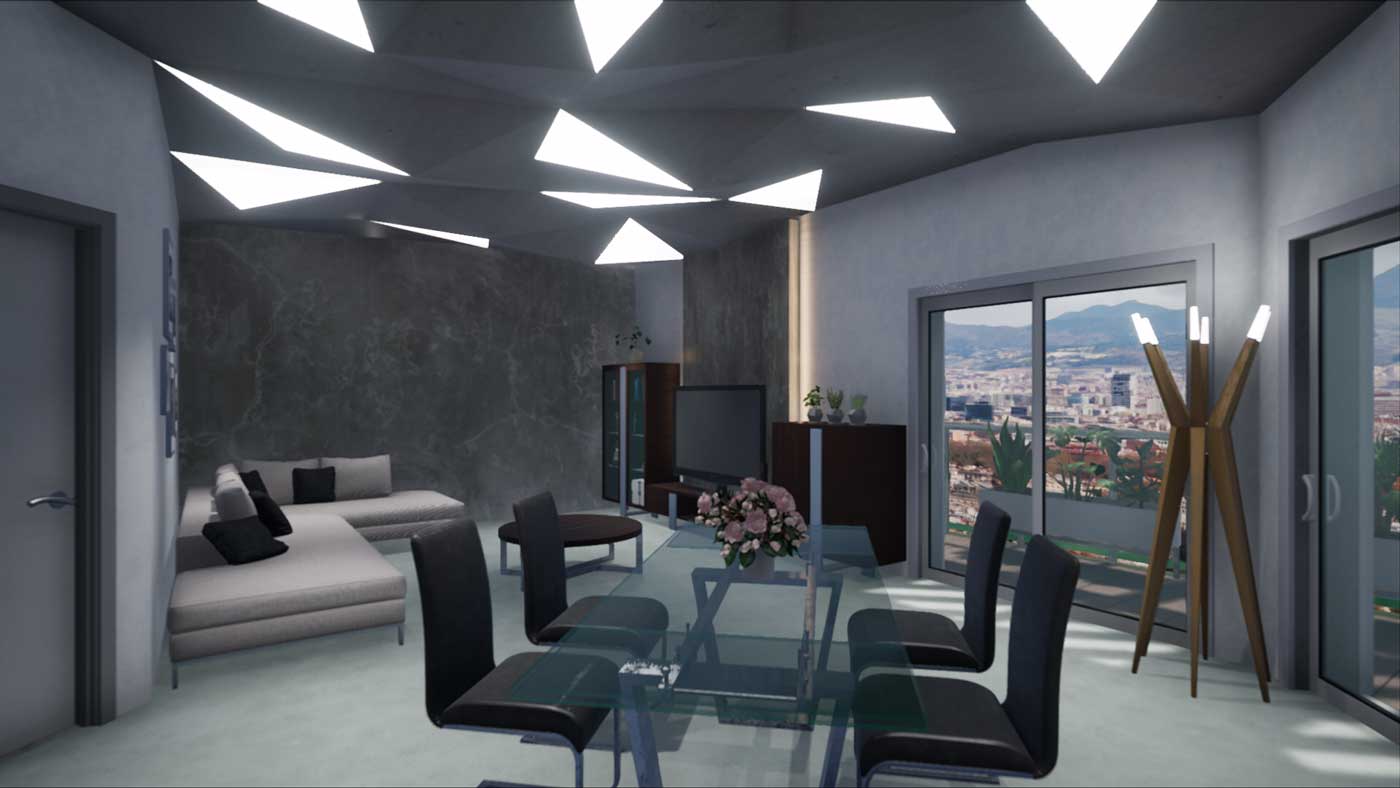
Like any solution, it also has disadvantages. The main one is the workflow required to import content from Revit, which can be intimidating for professionals coming from BIM, particularly when working on large projects. It may also require intermediate applications for tasks such as UV unwrapping, correcting material mapping and cleaning up geometry.
Another challenge is optimization. Many 3D models available online are designed for VFX rather than video games or real-time applications, resulting in high polygon counts and heavy textures that require powerful hardware to render smoothly. Optimization becomes even more important when developing architectural visualization experiences for mobile platforms or virtual reality, where maintaining a minimum frame rate is essential for providing a good user experience.
2019 updates
Unreal Engine is one of the fastest-evolving applications in this field, continuously receiving new features. Some of the most significant developments for architectural visualization include:
Since 2018, Epic Games has been developing a new workflow for importing assets into Unreal called Datasmith. It greatly simplifies the conversion of assets from multiple formats in just a few clicks, providing a considerable degree of optimization without requiring intermediate applications. This workflow is not limited to Revit: it can also convert scenes from numerous 3D applications, including 3ds Max scenes using V-Ray materials, translating those materials into Unreal materials with a high success rate.
Chaos Group, the creators of V-Ray, also developed V-Ray for Unreal, enabling ray-traced rendering with the popular rendering engine while simplifying the conversion of V-Ray scenes created in other compatible applications. In certain workflows, it can therefore serve as an alternative to Datasmith.
With the introduction of consumer NVIDIA graphics cards featuring hardware-accelerated ray tracing, Unreal Engine began integrating this technology to render reflections, refractions, ambient occlusion and global illumination in real time or near real time, significantly improving the physical accuracy of renders produced in Unreal.
Unity
Together with Unreal Engine, Unity is one of the world’s most popular game engines and is also under continuous development. Both platforms are capable of producing many of the same types of experiences. Some users consider Unreal’s visual quality and optimization superior in certain scenarios, while Unity is often regarded as a more intuitive game engine for developers.
2019 updates
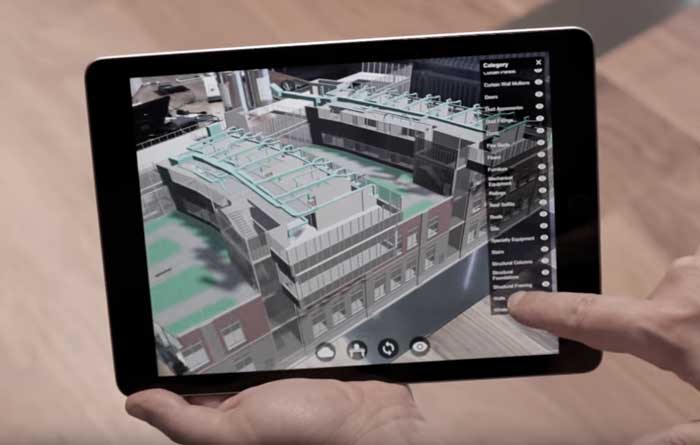
Unity announced the beta version of Unity Reflect, a suite designed not only as a visualization solution but also as a coordination and communication tool for professionals in the construction industry.
New in 2019: Blender 2.8
Despite being called "version 2.8", Blender received a major overhaul of its interface, making it significantly more intuitive. Eevee, Blender’s native real-time rendering engine, was also improved, making it possible to achieve highly convincing results relatively easily without leaving a free, powerful and professional all-in-one 3D suite that is increasingly being used in film production.
Blender is supported by a large community and offers extensive documentation as well as a huge range of add-ons and plugins designed to simplify virtually any task.
New in 2019: Free Twinmotion
Although Twinmotion had already been on the market for several years, its acquisition by Epic Games and subsequent availability as a free solution made it a particularly interesting option. Twinmotion is a real-time rendering application built using Unreal Engine, but unlike Unreal itself, it stands out for how easy it is to render scenes and for its extensive ready-to-use library of 3D objects and materials.
It competes directly with Lumion in terms of the relationship between time invested and results achieved. Another important feature is the ability to navigate through the model using virtual reality headsets and to "package" a scene into an executable file, effectively creating an interactive "video game" of the project in just a few clicks. However, this type of packaged experience offers fewer customization options and can be considerably heavier than a scene optimized directly in Unreal Engine.
Conclusion
For now, there is no perfect solution for architectural visualization. However, once you learn one of these applications, moving to another becomes considerably easier. Solutions such as Lumion or Twinmotion are usually among the best options for beginners because they allow users to achieve visually impressive results within a few hours while learning fundamental visualization concepts that can later serve as a foundation for more advanced software and more complex workflow combinations.
What about you? Do you know a better method for exporting from Revit? What is your preferred workflow when creating architectural visualizations?