How to use BIM in the conceptual design of buildings
Masses in Revit, the integrated but generic solution.
Often forgotten, Revit's mass editor can be of great help in the preliminary phases of a project, however, although effective, it is not the most immediate tool available when it comes to quickly converting ideas into geometry, it is not the fastest method. That's where FormIt comes in as a specialized tool in the previous phases of the project 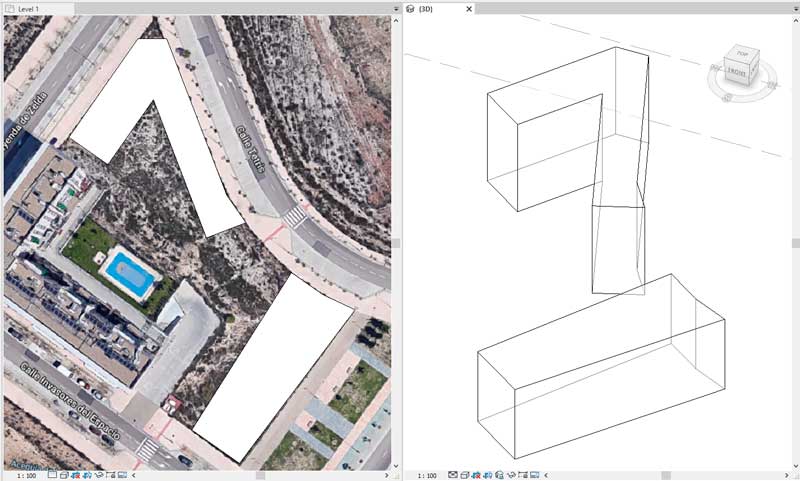
FormIt, the specific Autodesk solution:
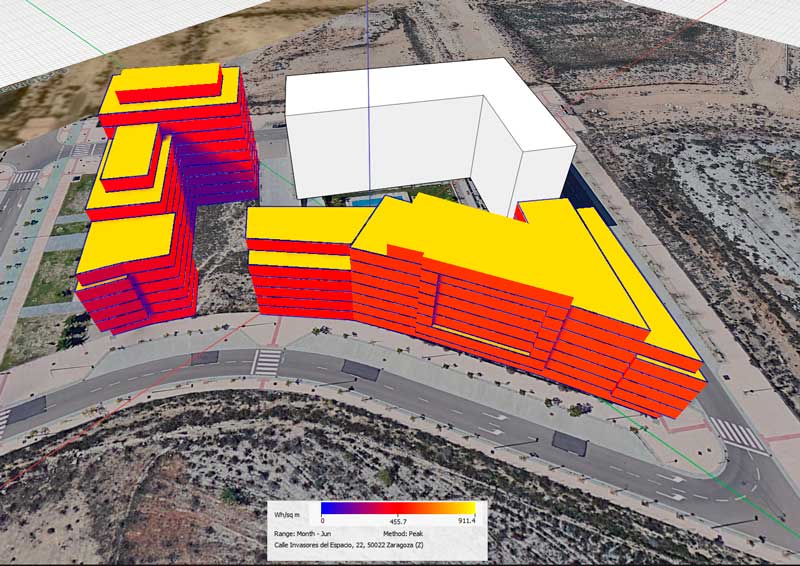
Normally concepts start on paper, FormIt stands out as an efficient way to go from paper to models, at first it can be deceptive given its simplicity which, together with its controls quite similar to the rest of Autodesk products, helps anyone to assimilate the program quickly. 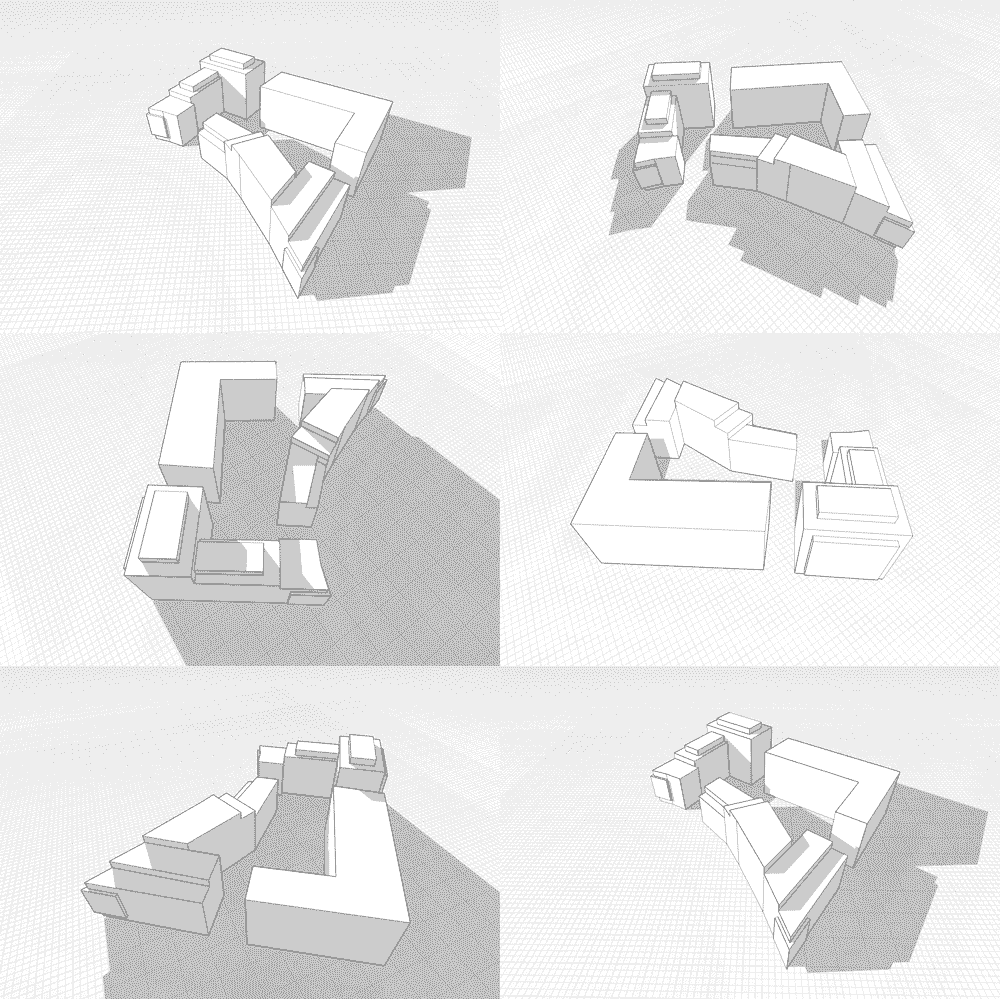 And it is extremely easy and fast to geolocate the model, import maps and sketches, model shapes and start testing solar incidence, apply materials and prepare videos and presentations.
  What's more, FormIt supports Revit families so that we can add furniture to the scenes and make them more convincing and more recently Dynamo has been integrated into Formit with the infinite possibilities that this entails.
Autodesk Flow Design: the wind tunnel within everyone's reach
When defending a design, even the air counts and in cities like Zaragoza, where the atBIM headquarters is located, it is almost obligatory to consider how our building will protect open areas from direct winds. As well as knowing the areas where higher pressures are expected, helping us to choose an enclosure with the correct tightness. 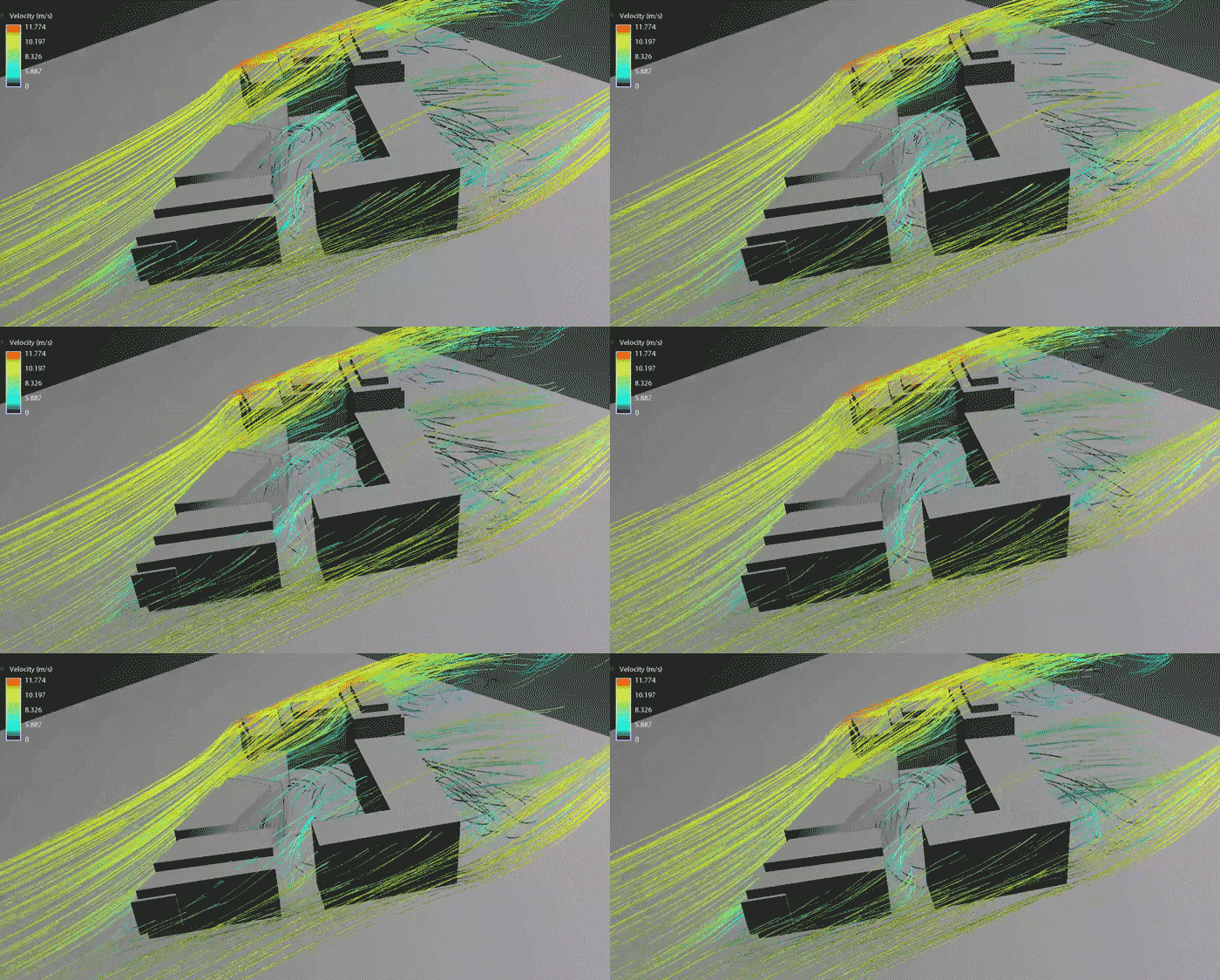 It is also more than advisable to look for a wind rose of the location to test how our geometry behaves, which can come from practically any program since it supports a multitude of 3D file exchange formats such as FBX or OBJ.
Autodesk Insight
Insight is an Autodesk web service that allows you to make quick energy estimates from a FormIt model. Insight uses the project's geolocation information within Formit and cross-references it with measurements extracted from nearby weather stations, using the volume envelope modeled in FormIt to estimate energy consumption under standard conditions. 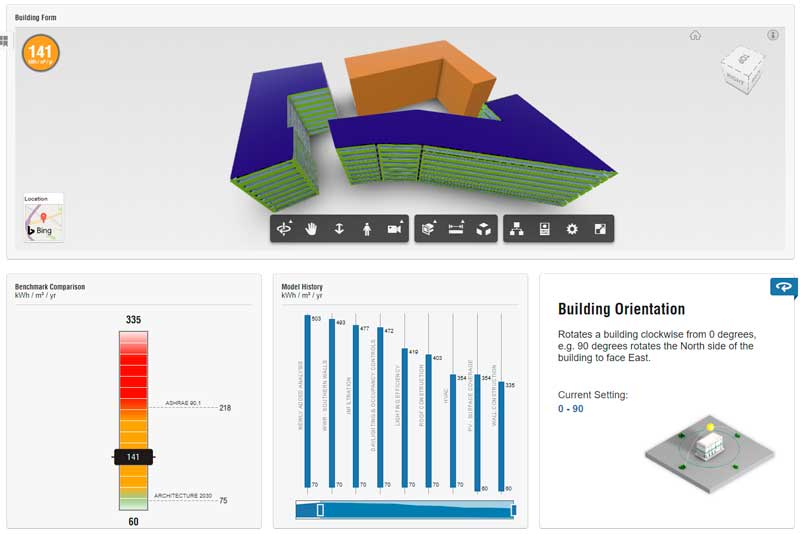 What is really powerful is that Insight allows you to modify the standard conditions of the calculation, playing with the size, insolation, orientation and qualities of the building envelope in addition to considering variables on heating/cooling, ventilation, lighting and use of the building.
 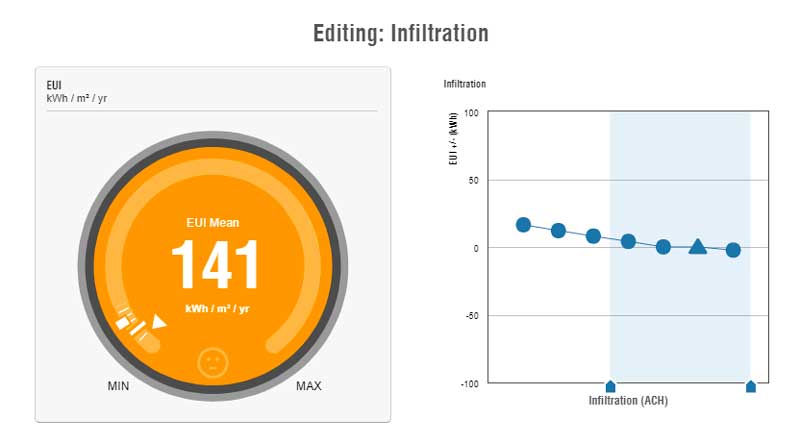 To give an example, in our building we are going to improve energy consumption by adding reducing the glass surface on the south façade, choosing low-emissivity triple-pane glass for the south façade, defining the high-efficiency ventilation system among other solutions so that we are foreseeing the impact of our decisions with figures and advancing such key decisions in early phases of the project.
Design approved, it's time for Revit.
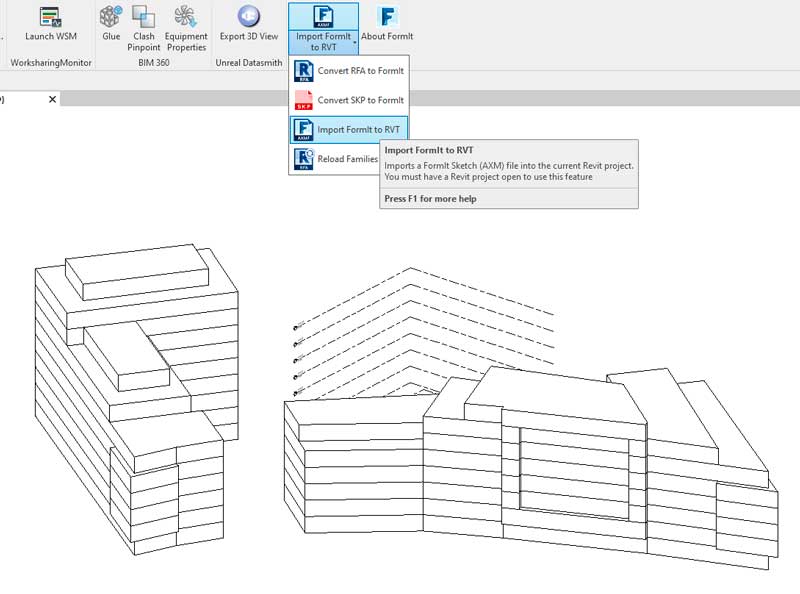
The FormIt model is a potential BIM model, once we have our design defined, it is time to move from FormIt to the Revit project. This transition is easy and painless thanks to Autodesk's own add-in, the process is quite direct, once the plugin is installed in the project, the different volumes generated as masses are imported as well as the levels created in FormIt