From Civil 3D to Revit: How to transfer topography between BIM programs
When facing a project under the BIM methodology of Civil Engineering, choosing a good workflow is essential for the success of the project, since we will need to carry geometry and information from one tool to another normally, from Civil3D to Revit, for example. One of the handicaps that determines this is usually the excessive weight of the Autodesk Civil 3D files, which causes difficulties in their handling. In this series of posts we will explain how to work comfortably in BIMCivil projects:
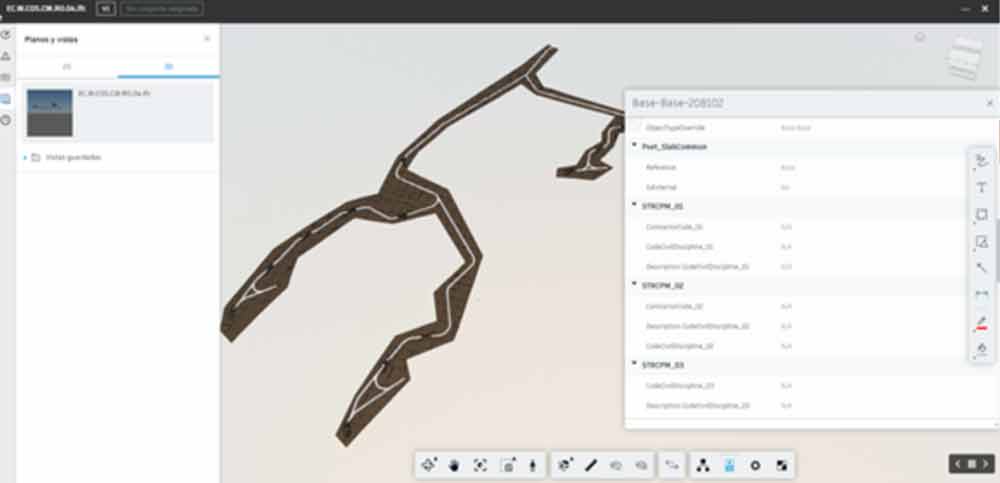
Publish surveying in BIM 360, the Autodesk solution
In the latest versions of Civil 3D, Autodesk is incorporating tools that allow the interoperability of this program with other BIM design programs such as Autodesk Revit. This is the case of the "Publish surfaces" tool, which will be a very useful way in case we want to transfer TIN surfaces from Civil 3D to Revit Topography

Although this tool would not be useful if we want to share it, it is geometries other than TIN surfaces (it will not work for grid surfaces or "large surfaces" either), so in some cases we will have to work with other solutions such as the following.
Workflow with Dynamo, the simple solution but in the testing phase
A quick and easy way to work with these elements is to use the Dynamo plugin that exists within civil ( https://dynamobim.org/download/ ) which is available for the Civil3D 2020 version. If you have used this application before in Revit or Formit, you will notice that it is not difficult to adapt to it in Civil3D, but you have to keep in mind that it is relatively new and therefore is much more limited and the elements and classes are somewhat different.

But on other occasions the large amount of geometry with which we work in civil engineering projects means that Dynamo is not the most optimal and fastest solution. In this case, we must act from the heart of the program, from its API, considerably increasing the performance of the computer and making the workflow more stable (the user being able to not worry about the size of the file they are working with, the different versions of programs, the stability of the packages or versions thereof, etc.)
atBIM solution: Workflow via API
Here is an example of these solutions optimized with the Civil3d API:
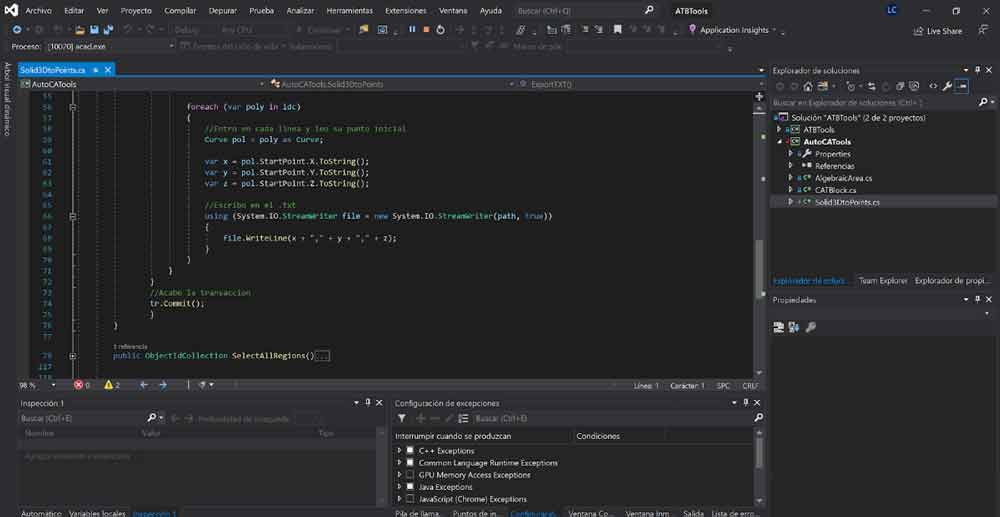
As we mentioned above, our problem is usually the file size. If the topography is very large when importing the CAD, Revit is not able to manage and move it correctly. To solve it, let's plant the following steps in the workflow:
1. Exploit solid3D in Civil.
2. Run the ATBIM SolidtoPoints command (you can contact us to request the app here)
3. Create surface with .txt point file and put the file that has been exported from the ATBIM SolidtoPoints command
We leave you a demo video of the complete flow, we hope it helps you!