BIM project development and management BIM modeling, coordination and consulting
We join your project and resolve clashes before they reach the site. You get drawings, quantities and a model that can actually be built.
- BIM modeling in Revit for architecture, structure and MEP
- Multidisciplinary coordination and clash detection
- Quantity take-off and cost control from the model
- Information management to ISO 19650
Hospitals, stadiums, offices and housing, with MEP coordination and value engineering on projects such as the 12 de Octubre Hospital in Madrid.
We manage project information within the standard's framework: requirements, BIM execution plan, common data environment and deliveries.
Every model on The Ellinikon in Athens coordinated with the others, so clashes are found before construction.
What is BIM outsourcing
BIM outsourcing means handing the BIM development of a project to an external team: modeling, coordination between disciplines and information management. It is used by architecture practices, engineering firms and contractors that need more capacity than they have in-house, or that want coordination led by someone who did not design any of the parts.
A BIM model is useful when every party works on the same information. If each discipline models on its own and nobody cross-checks the models until construction, the conflicts show up just as they do with 2D drawings. The difference is that they arrive later and cost more to fix.
That is why, when we join a BIM modeling project, we also set the information requirements, organise the models and review them regularly, so that what goes out on the drawings can be built on site.
How we develop a BIM project
Four stages, from defining the scope to delivering coordinated models, drawings and quantities.
Scope definition
We agree the BIM uses, disciplines, level of detail (LOD) per stage and delivery formats. If the project has no BIM execution plan (BEP), we write it. If it has one, we work to it.
Model development
We model discipline by discipline in Revit, with templates, families and parameters organised so the same models later serve for drawings, quantities and maintenance.
Federation and review
We federate the models, run the clash tests, prioritise the conflicts and resolve them with each team in review cycles.
Documentation and handover
We deliver coordinated models, drawings and quantities in Revit and IFC, with a technical note explaining how the model is organised and what it can and cannot be used for.
BIM modeling and project management services
Five services you can hire together or separately, depending on the project stage and what your team already covers.
BIM modeling: we model what gets built
- What it includes
- Modeling of architecture, structure and MEP, complete or discipline by discipline, from early design to as-built. The level of detail is set per stage and per area: a typical residential floor is not modeled like a plant room that has to be coordinated to the centimetre.
- Tools
 Revit
Revit Dynamo
- Example
- In developments with many repeated homes we organise the model by blocks and unit types, so a change to one type propagates without remodeling. That is how we handled the 198-home residential project in Zaragoza.
Project calculation and analysis
- What it includes
- We use the model to analyse before deciding: site layout and sunlight studies, wind simulation, energy efficiency and carbon footprint at design stage, and integration of the structural and MEP calculation models.
- Tools
 Forma
Forma- Insight
- Example
- For the 155-home building in Zaragoza, the basic design included concept design, site layout, energy analysis, sunlight study and wind simulation, all on the same model.
Quantities, cost control and progress valuation
- What it includes
- Quantities taken from the model, linked to the budget and updated when the model changes. Budget tracking by version and support for progress valuations. Quantities are only reliable if the model is well built, so we audit the model before measuring.
- Tools
- Revit
 Power BI
- Example
- In Madrid we carried out pre-construction modeling to produce coordinated drawings and quantities before tender. At La Romareda stadium in Zaragoza we took quantities from the architecture and structure models.
BIM construction coordination and follow-up
- What it includes
- Coordination between architecture, structure, MEP and external works, in design and construction. Issue management with subcontractors, 4D planning and a model kept up to date as the works progress.
- Tools
 Navisworks
- Synchro

- Example
- At the Westfield La Maquinista shopping centre in Barcelona we planned, organised and controlled the works with a 4D model in Navisworks and Synchro.
BIM + GIS: the building in its territory
- What it includes
- Integration of geospatial data with the building or infrastructure model: topography, alignments, plots and networks. It is key in civil works and linear infrastructure, and in assets later managed as a digital twin on a map.
- Tools
- Civil 3D
- Revit
- Example
- Modeling of motorway sections (A-23, Monrepós–Nueno) and high-speed rail, and georeferenced digital twins of real estate assets.
BIM clash detection
What it is
Clash detection is the automatic check for conflicts between the models of different disciplines: a duct running through a beam, a cable tray where a sprinkler should go, a pipe intruding on the maintenance space of a unit. The software cross-checks the federated models and returns every element that occupies the same space as another, or sits closer than allowed.
What it prevents on site
Any conflict not solved in the model gets solved on site, with the material already cut, a subcontractor waiting and an improvised decision. Coordinating first saves rework and variations. And quantities come from a buildable model, so they are reliable.
What we aim for is a model that can be built and that serves as the basis for site meetings. That is how we worked on the five hospitals we have coordinated.
How we do it
- 01
We prepare the models
Before running any test we check that all models share coordinates, levels and naming. A test on misplaced models only produces noise.
- 02
We set tests by discipline pairs
Structure against drainage, HVAC against electrical… with tolerances and the maintenance clearances each system requires, not just hard clashes.
- 03
We filter and prioritise
A raw test returns thousands of clashes, most of them the same problem repeated or irrelevant. We group them by area and cause and decide which system has priority according to how hard it is to reroute: gravity networks such as drainage come before systems whose route can change.
- 04
We resolve them with the designer
Each conflict is assigned to the team that has to fix it through a BCF issue, and checked again in the next review cycle.
- Navisworks
Navisworks Manage (Clash Detective), review in Autodesk Construction Cloud and issues in BCF format.
Hospitals, stadiums, housing, industry and large urban developments
We model and coordinate architecture, structure and MEP services across five types of project, both new builds and renovations.
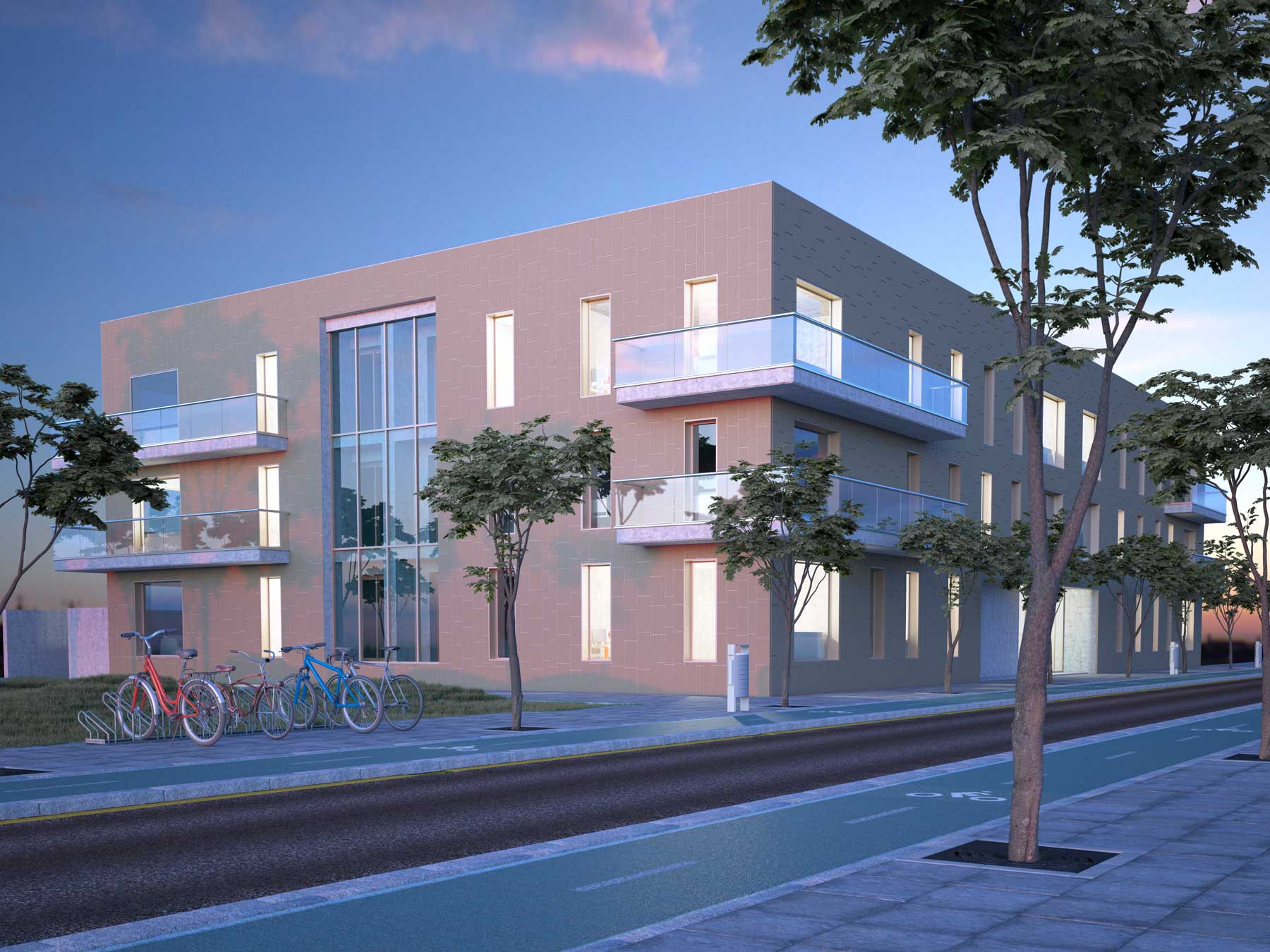
Multi-family residential
Apartment buildings, from the outline design to coordinated construction documents.
Healthcare
Hospitals and health centres, where dense MEP networks have to fit around each other.
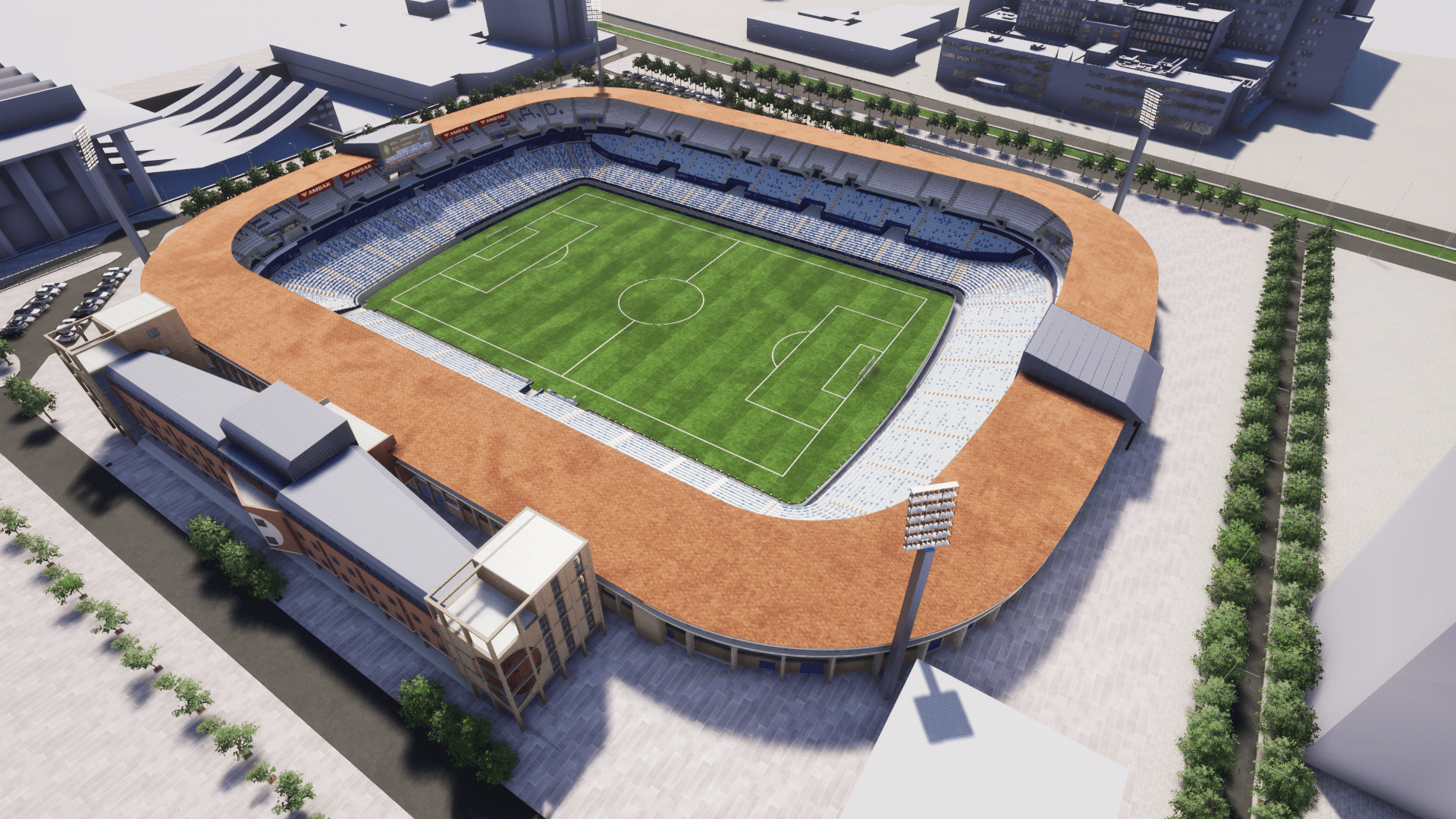
Stadiums and sports venues
Sports complexes, and renovations of stadiums that stay open during the works.
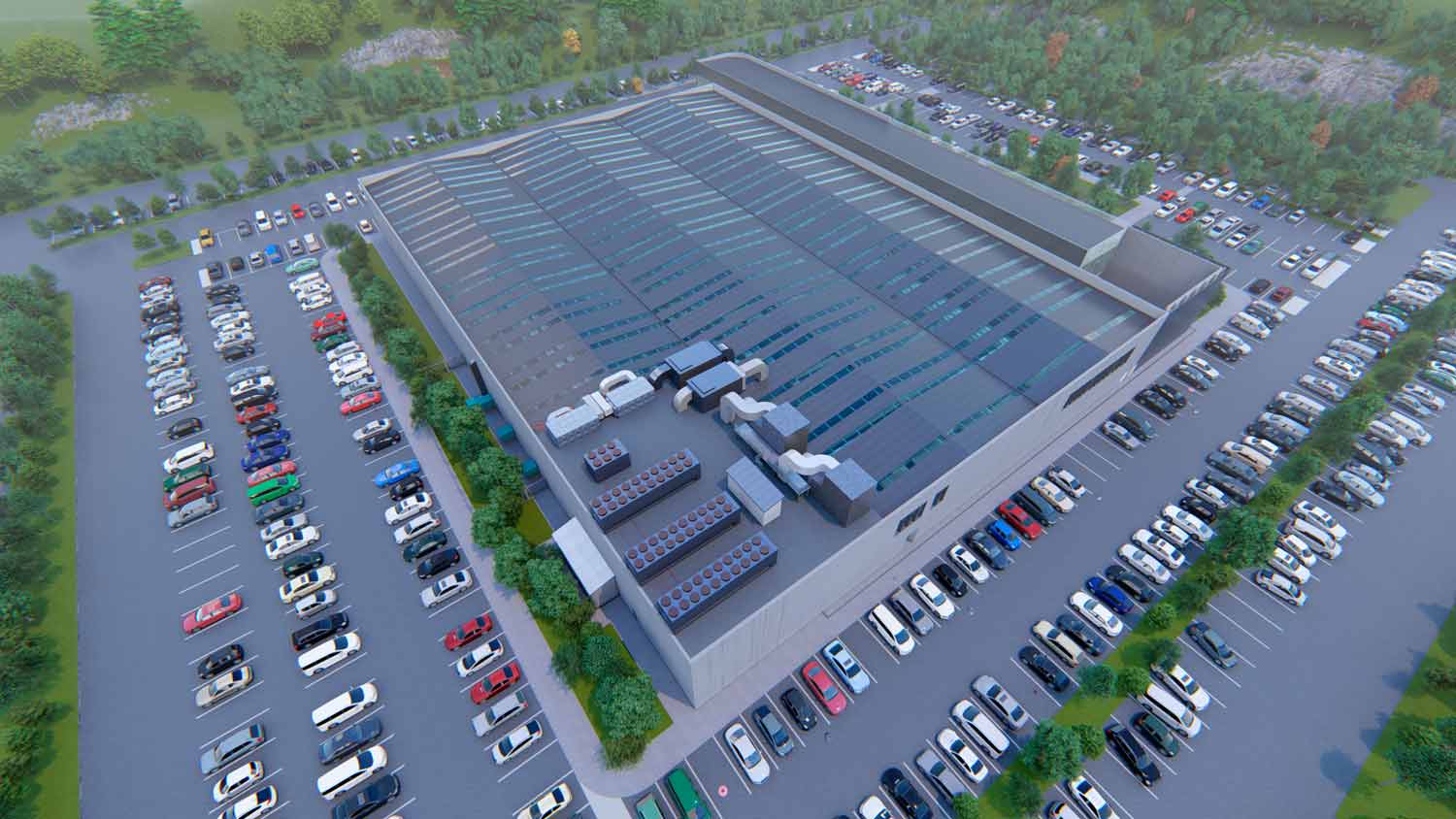
Industrial and logistics
Warehouses, industrial plants and logistics centres, with structure and services in the same model.
Large urban developments
The Ellinikon, Athens
58+ BIM models on a single construction project
We collaborated on the digitalisation of the project with BIM and collaborative environments, to coordinate the disciplines with each other and base decisions on up-to-date data.
See the Ellinikon project
Frequently asked questions about BIM project development and management
What people usually ask before outsourcing the BIM work on a project.
Let's talk...
If you need an estimate, have a question, want information about our training programs, or have a suggestion, you can fill out the contact form to send us a message. We are ready to help you.
We are ready to help you.
Email: info@atbim.es